I fed a file sorter six fake invoices. It told me which ones I never sent.
I generate a lot of throwaway test files for this blog. Today's batch was six text files pretending to be a month of accounting paperwork: two sales invoices, one purchase invoice, one payroll sheet, two receipts. Filenames only, one line of meaningless text inside each. No real numbers, no real names.
I uploaded them to a new, not-yet-reviewed workflow called "Accountant hand-over pack" expecting it to just zip the files into folders. It did that. It also told me I was missing two documents I never mentioned were supposed to exist.
What the tool claims
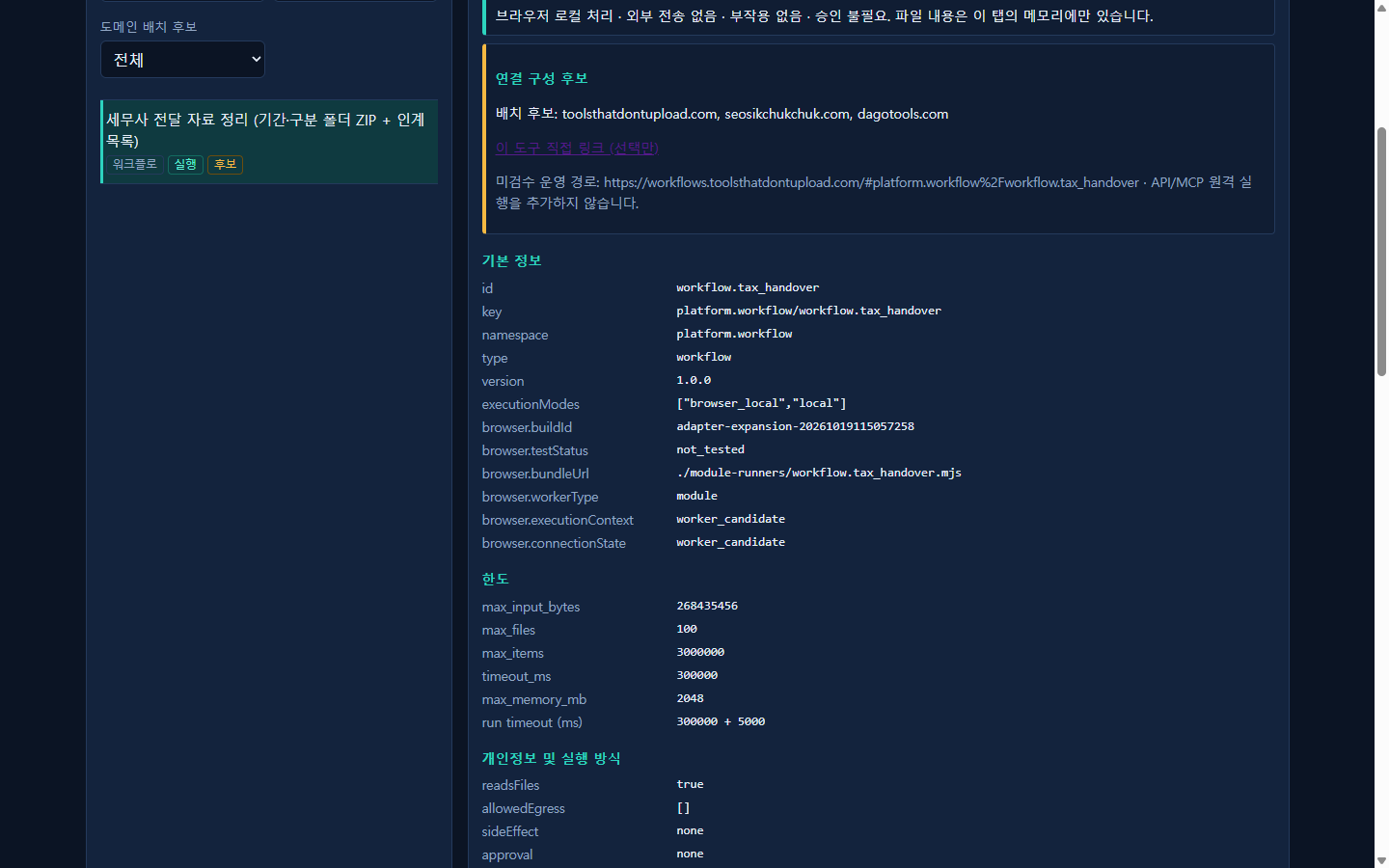
The description says it reads filenames and folder names for category and date keywords, sorts files into <period>/<category>/ folders, and builds a hand-over checklist. It also says, in plain language, that it does not read file contents and is not a tax determination. I wanted to see how far "filename only" actually goes.
The sort
I left the input JSON as the default empty object, no options touched. Three seconds after I clicked run, it said "completed". I downloaded the output ZIP and unzipped it myself with Expand-Archive instead of trusting the on-screen summary.
2026-01/sales/sales_2026-01-15_clientA.txt
2026-01/purchase/purchase_2026-01-22_vendorB.txt
2026-01/payroll/payroll_2026-01-31.txt
2026-01/receipt/receipt_2026-01-10_fuel.txt
2026-02/sales/sales_2026-02-20_clientC.txt
2026-02/receipt/receipt_2026-02-03_meal.txt
Every file landed in the exact folder its filename implied, no rules written by me. Fine, that's the advertised feature working as advertised. I was ready to call it a day here.
Then it flagged what I didn't send
The result had a warning: needs_review. The JSON had a missing array I wasn't expecting:
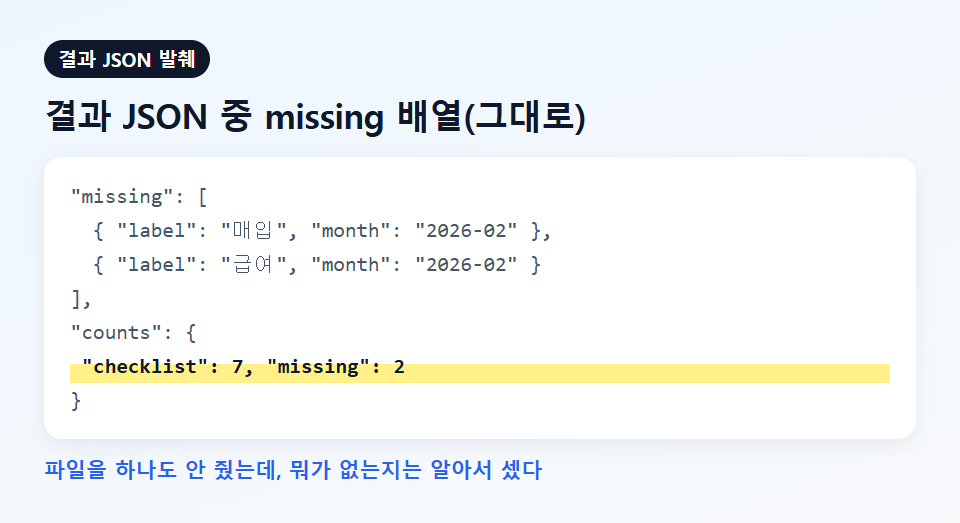
"missing": [
  { "label": "purchase", "month": "2026-02" },
  { "label": "payroll", "month": "2026-02" }
],
"counts": { "checklist": 7, "missing": 2 }
January had all four categories. February only had sales and a receipt. The tool built an expected grid of category times month from what it actually saw across the whole batch, then pointed at the two empty cells. It never opened a single file. It just noticed the pattern across filenames and said "you're missing purchase and payroll for February" before I had to figure that out myself.
I'm used to tools that either do the one thing they advertise or quietly do less. This did the one thing, then did a second useful thing I hadn't asked for, using information it already had on hand. That's a nicer surprise than the usual kind I write about here.
What it is not
To be clear, since this is still an unreviewed (live-unchecked) deployment: it never reads the contents of a file, so it cannot tell you if a number is wrong, if a receipt is really deductible, or if you've legally complied with anything. The "missing" check is pattern-matching on filenames across the batch you gave it, nothing more. If you never name a file with the word "payroll" in it, the tool has no idea payroll exists. Garbage in, garbage out still applies; it just catches one specific kind of garbage.
Limits on this one: 100 files, 256MB total, browser-local execution, zero network requests (I counted with a request listener, twice).
Try it yourself at workflows.toolsthatdontupload.com, or browse everything at toolsthatdontupload.com/tools/. Docs are at toolsthatdontupload.com/docs/.