How these tools keep files on your device
Each browser tool here is a single page. When you pick a file, the page reads it with your browser's File API and does the work with JavaScript (or WebAssembly) on your device; the result is created in the browser and saved from there. There is no upload step and no account.
Each tool page is served with a Content-Security-Policy that lets it contact only one address, our anonymous error counter, which receives the page path, the error type and the script line when a tool fails, never your file (details). You can check this yourself in the Network tab of your browser's developer tools: step-by-step guide. The few tools that need the network by design (internet speed test, IP lookup, online text-to-speech voices, AI chat with your own key) say so on their pages.
For developers, the same jobs are available as a REST API and an MCP server; those requests are processed in memory on our server and not stored (developer docs, transparency).
Popular Tools
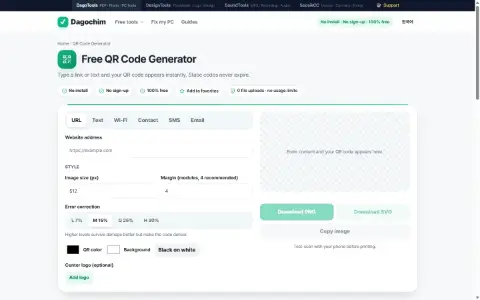
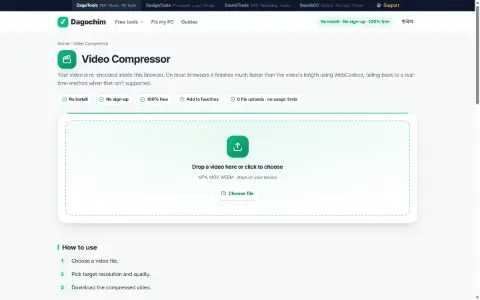
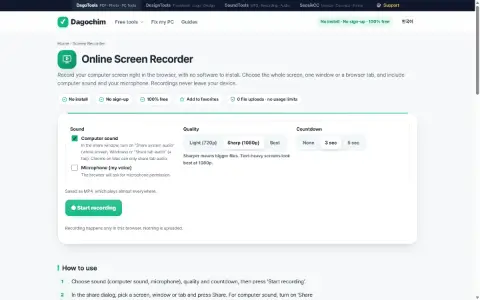
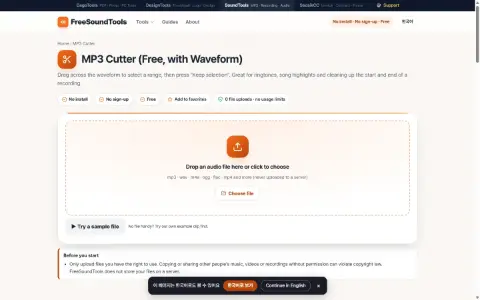
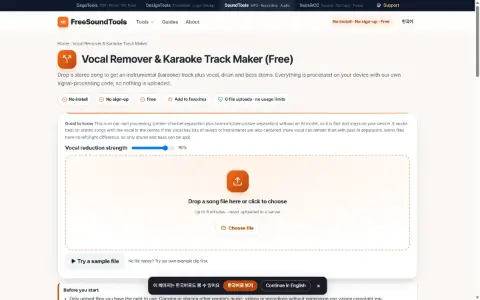
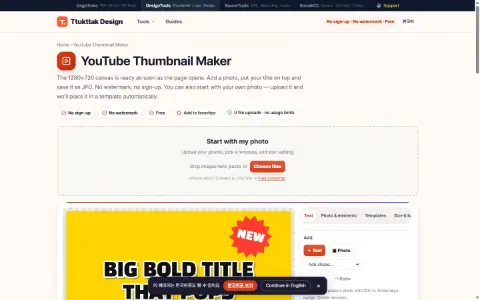
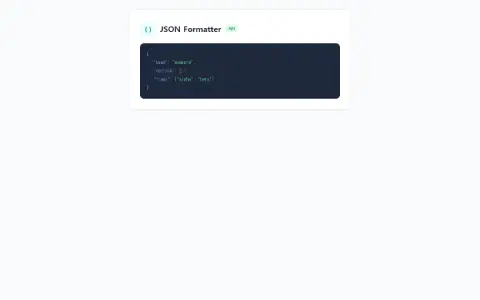
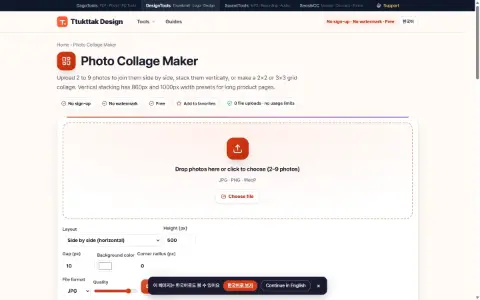
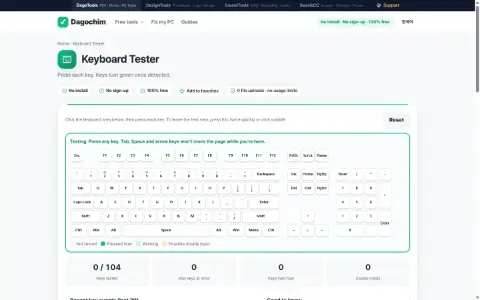
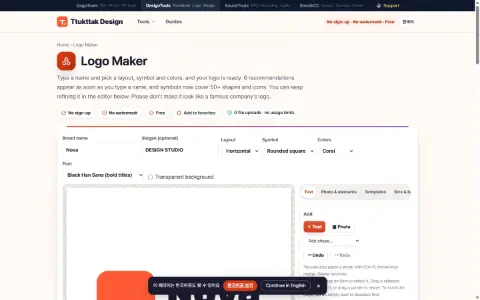
Popular starting points. Click to use.


AI Tools
AI-powered tools that process your data privately. No files stored. The three browser AI tools live together on chatwithpdf.tools.
Open a PDF and ask questions about it. AI reads the document and answers in natural language. The PDF is read in your browser and the default browser AI runs on your device; with your own AI key, the matching text and your question go to that AI provider.
In-browser by default Chat with ExcelOpen a spreadsheet and ask questions. Get instant analysis, summaries, and insights from your data. The file is read in your browser; with your own AI key, the text you ask about goes to that AI provider.
In-browser by default Local GPTRun an AI chatbot in your browser using WebGPU; in the default browser AI mode your conversations stay on your device. With your own AI key, your messages go to that AI provider.
In-browser by defaultBuilding something? AI translate, summarize and OCR are also available as an API for developers: see Developers.
Without uploading, and for developers
How the no-upload part works and how to use the same tools from code or an AI assistant:
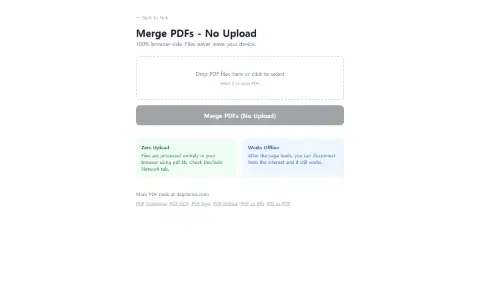
- Merge PDF without uploading: I counted the network requests
- PDF to text in your browser · SHA-256 file hash and checksum
- PDF and file API: merge, split, text and table extraction, HTML to PDF
- PDF MCP server for Claude, Claude Code, Cursor and VS Code · add an API key
Workflow Automation
198 automation tools (97 single-step tools and 101 workflows) for meeting minutes, tax ledgers, contract diffs, document bundles and more. Files stay on your device. These cards open the workflow details; to try one on your files, ask about a pilot.
Meeting minutes draft (transcripts and notes + review list) (details)
Tax LedgerHometax tax invoice list to ledger workbook (details)
Contract CompareContract revision comparison (details)
Submission PDF BundleSubmission PDF bundle (details)
Spreadsheet CleanupSpreadsheet and CSV cleanup (details)
PDF Table ExtractionMerge PDF tables into one workbook (details)
What the numbers mean: 98 browser tools are the pages on this site that run in your browser. 198 automation tools are 97 single-step tools and 101 workflows in the workflow catalog; each passed its definition-of-done tests (live count: /v1/health). 503 API endpoints are the /api/ REST endpoints in openapi.json, which also lists the 8 read-only /v1 catalog endpoints (live count: /api/health).
Browser Tool Sites
More tools that run entirely in your browser, on 4 specialized sites.

File & PC Tools 60+
PDF merge, compress, convert, image edit, QR code, screen recorder, keyboard test, and more.
dagotools.com
Design Tools 28+
YouTube thumbnails, logos, photo editing, meme generator, color palette, and mockup creator.
getdesigntools.com
Audio Tools 30+
Audio trim, denoise, vocal remove, TTS, instrument tuner, metronome, and sound effects.
freesoundtools.com
Document & Forms 100+
Invoices, receipts, timesheets, Excel templates, resume builder, and form generators.
SeosikCCYour files stay on your device

The browser tools do their work inside your browser. Files are not uploaded to a server, so there is nothing for us to keep, no account to create and no daily limit.
